Channel intelligence
Resolve channels, inspect subscribers, views, niches, earnings estimates, rankings and recent or popular uploads.
Model Context Protocol
Bring Branzly channel intelligence, transcripts, video research and saved Creator Studio work into Claude, ChatGPT, Cursor and other MCP-compatible tools.
Branzly Pro or admin access is required. Custom connectors may also require a paid plan with your AI assistant.
One connection, focused tools
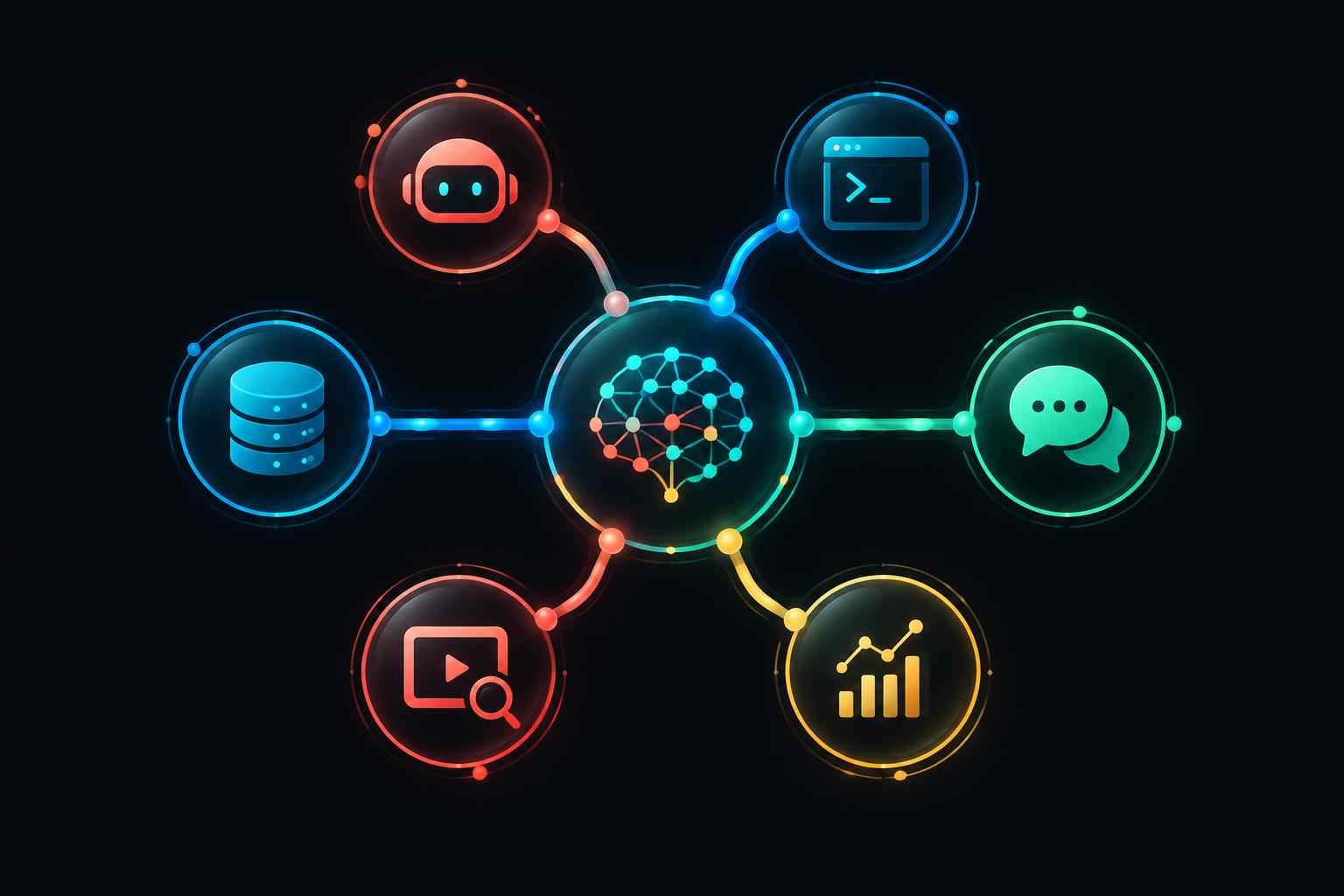
The connector exposes 18 focused tools. Your assistant can chain them into a practical workflow instead of relying on copied screenshots, stale summaries or a generic web search.
Resolve channels, inspect subscribers, views, niches, earnings estimates, rankings and recent or popular uploads.
Retrieve video details, transcripts, structure breakdowns and similar high-performing videos with more than 200,000 views.
Analyse upload patterns, titles, thumbnails, delivery, audience, SEO, sponsors and face visibility, then chat with the saved report.
Read saved breakdowns and templates, create a new video template from a source video, and check the account credit balance.
Connect in four steps
Sign in to Branzly Pro and open AI assistants in Creator Studio. Your personal connector link is ready to copy.
Create a custom connector in Claude or ChatGPT, or add the server in a compatible coding agent. Paste the Branzly link and choose OAuth.
Sign in on the Branzly consent screen. Requests then use your membership, saved work and credit allowance.
Ask your assistant to research a channel, compare its best videos, extract a transcript or build a reusable video template.
Connectors sign you in through Branzly, so every request belongs to your account. Existing plan rules, usage limits and saved results still apply. You can remove the connector whenever you want.
Vibe coders can create a revocable personal key for scripts, automations and custom actions that cannot complete OAuth. Keys are shown once and usage appears in Creator Studio.
Example requests
“Find this channel, compare its five best videos and explain the repeatable title patterns.”
“Get the transcript for this video, break down its hook and find ten similar videos above 200K views.”
“Run a Channel Recipe, tell me whether it is faceless and turn the strongest format into a template.”
“Show which brands sponsor this channel and compare it with the fastest-growing channels in its niche.”
Connect once, then call Branzly tools in the same conversation where you plan, code and create.
Open connector setup